135 private links
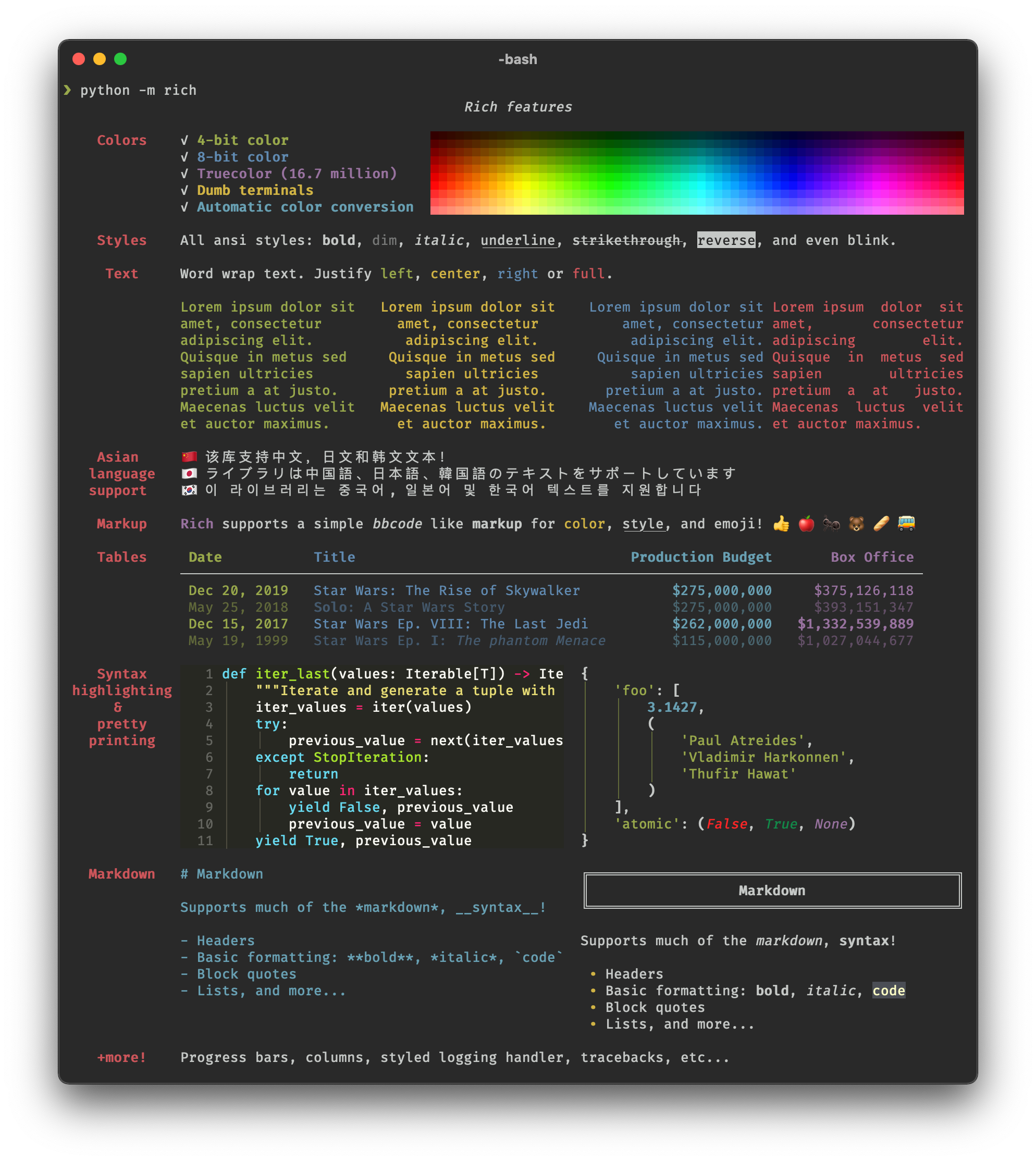

Rich is a Python library for rich text and beautiful formatting in the terminal. - willmcgugan/rich

TUI library for modern terminal emulators. definitely not curses.
Comparison among the number of command line options for various commands for v7 Unix (1979), slackware 3.1 (1996), ubuntu 12 (2015), and ubuntu 17 (2017).
The number of command line options has dramatically increased over time; they tend to have more options and there are no cases where programs have fewer options.


Recorded by micahcowan
A customisable terminal status bar with universal shell/terminal compatibility. Currently works on Mac/Linux.

You're doing some work, and as part of that you need to run a command on the terminal that takes a little while to finish. You run the command, watch it for maybe a second and then switch to doing something else – checking email or something.
You get so deeply involved in your email that twenty minutes fly by. When you switch back to your terminal the command has finished, but you've got no idea whether it was nineteen seconds ago or nineteen minutes ago.
This happens to me a lot. I'm just not disciplined enough to sit and watch commands, and I'm not prescient enough to add something to each invocation to tell me. What I want is something that alerts me whenever long running commands finish.
This is it.
Translate Shell (formerly Google Translate CLI) is a command-line translator powered by Google Translate (default), Bing Translator, Yandex.Translate, and Apertium. It gives you easy access to one of these translation engines in your terminal.
Asciimatics is a package to help people create full-screen text UIs (from interactive forms to ASCII animations) on any platform.
A simple, configurable, cross-platform youtube-dl wrapper for downloading and managing youtube audio (with added features).
Shellscript for synchronization of files and directories (a simple alternative to RSYNC)
Nota is a nice terminal calculator with rich notation rendering. It is designed for your quick calculations and therefore provides you with a tiny and beautiful language so you can express your ideas easily. Nota is all about beauty and ASCII art.
There is often the desire to start "standard" or pre-configured workspaces in tmux.
For example, run tail on two log files in a pane, or to start both vim and mysql in a pane, etc.
If you try to find information about starting tmux workspaces, you typically get advised to use wrapper programs such as tmuxinator, tmux-resurrect, or tmux-continuum. These programs may be great, but the article proposes a simpler approach.
I personally like this approach.
How to combine data spread over two CSV files, like separate tables in a normalized relational database.
exa is a replacement for the venerable ls command. exa sports more features and arguably better defaults. Free and open source software.
Dmidecode reports information about your system's hardware as described in your system BIOS according to the SMBIOS/DMI standard. This information typically includes system manufacturer, model name, serial number, BIOS version, asset tag as well as a lot of other details of varying level of interest and reliability depending on the manufacturer. This will often include usage status for the CPU sockets, expansion slots (e.g. AGP, PCI, ISA) and memory module slots, and the list of I/O ports (e.g. serial, parallel, USB).
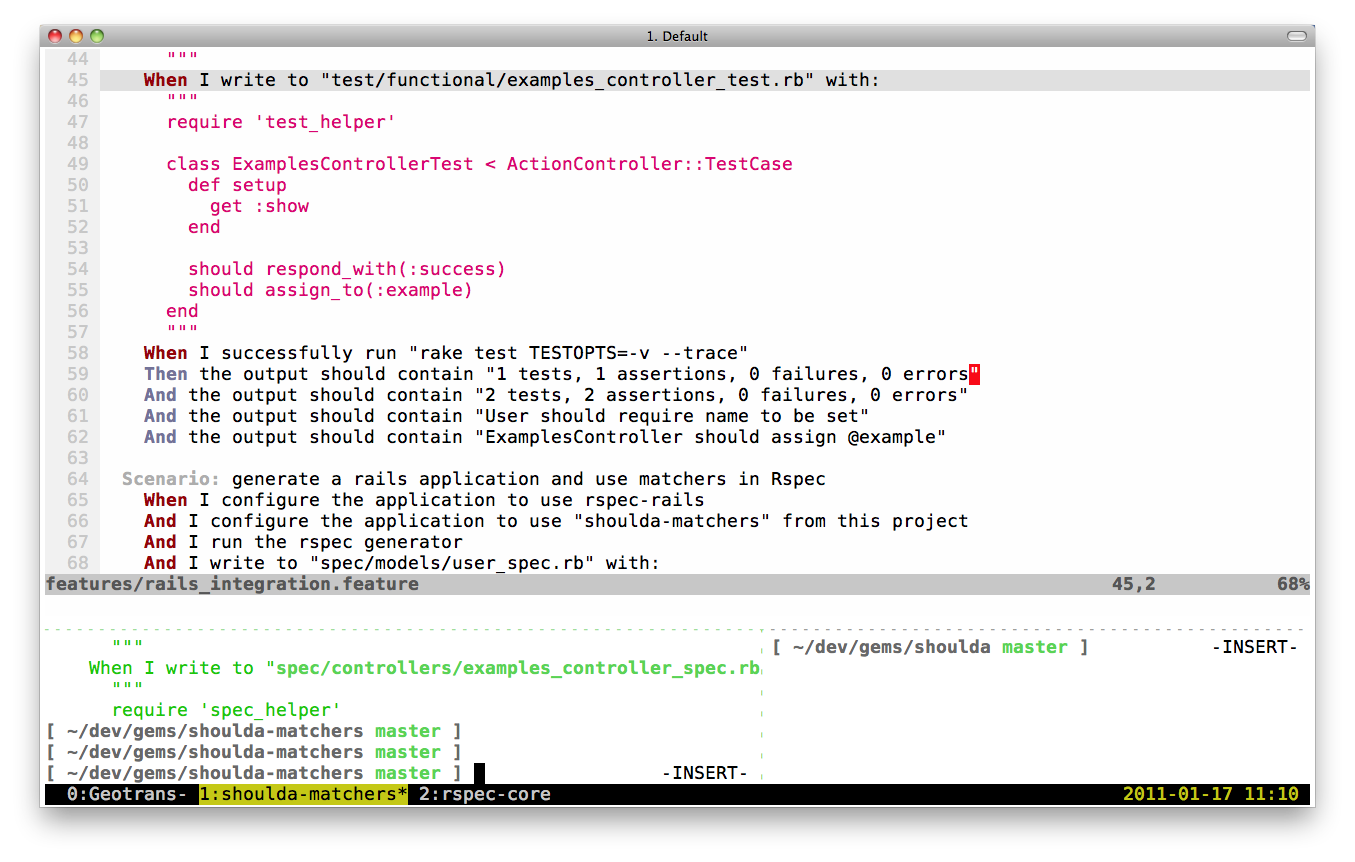
I’ve been using tmux for about six months now and it has become just as essential to my workflow as vim. Pane and window management, copy-mode for navigating output, and session management make it a no-brainer for those who live in the terminal (and especially vim). I’ve compiled a list of tmux commands I use daily to help me work more efficiently.